Website Screenshot Tool
Enter any URL and get a pixel-perfect screenshot. No API key, no signup. Choose your format, device, and options below.
Rather call it from code? A free account gives you 200 renders a month, every option on this page, and no five-a-day cap.
Rendering screenshot...
High demand right now. Your screenshot is queued and will be ready shortly.
API users get dedicated priority rendering with no queue. Sign up free
That was one API call. Run it yourself.
200 renders a month free, every feature, no card. The snippets below already contain this exact URL and options.
Full-page captures come with the free account. 200 renders a month, every option on this page, no card. Your URL and options carry over to the first call.
Create a free account for full-page capturesYou used your 10 free renders today. A free account gets you 200 a month, with priority rendering and no queue.
Get 200 free renders a monthIntegrate in 30 seconds
The options above map directly to API parameters. Copy a snippet and you are done.
How it works
Enter a URL, pick your options, and click Capture. SnapRender loads the page in a real Chromium browser, waits for fonts and images to render, and returns a pixel-perfect screenshot. The same engine that serves our API handles your request, so what you see here is exactly what you get through code.
Supported formats
Export as JPEG (smallest file size), PNG (lossless quality), WebP (modern compression), or PDF (full-page documents). Each format is a single API parameter change. Try different formats above and watch the code snippets update automatically.
Need a live thumbnail on your own page? One image tag, no key.
Link previews, bookmark lists, directories: drop this in and the capture refreshes once a day with ads and cookie banners removed.
<img src="https://app.snap-render.com/v1/embed?url=https://example.com" alt="example.com" width="640">Shared daily budget; a neutral placeholder is served when it runs out. For guaranteed renders, full page, devices and PDF, get a free API key.
From tool to API in one step
Every option on this page maps to an API parameter. After you capture a screenshot, copy the code snippet below the result and paste it into your project. Sign up for a free API key (200 screenshots per month, no credit card) and you are production-ready.
Built for developers
SnapRender handles the browser infrastructure so you do not have to. Ad blocking, cookie banner removal, device emulation, dark mode rendering, and full-page scrolling capture are all built in. SDKs for Node.js, Python, and Go make integration simple. MCP support lets AI agents take screenshots directly.
Screenshots without cookie banners or ads
Most pages today load with a consent pop-up covering half the screen. This tool removes cookie banners and blocks ads before the capture, so you get the actual page instead of the overlay. Both options are on by default and you can toggle them per capture. If you have ever taken a screenshot and found a cookie notice sitting in the middle of it, this is the fix.
Full page, mobile devices, and dark mode
Capture the visible viewport here without an account, or the entire page from top to bottom in a single image with a free account (200 renders a month, no card). Switch to an iPhone, Pixel, or iPad preset to see the real mobile layout, rendered with that device's exact viewport size and pixel density. Dark mode rendering requests the page's dark theme before capture, which is handy for theme testing or for screenshots that match dark documentation.
Frequently asked questions
Is this tool really free?
Yes. You get 10 free screenshots per day with no signup. For higher volume, create a free account (200 screenshots per month) or choose a paid plan starting at $9/month.
What is the difference between this tool and the API?
This tool runs the exact same rendering engine. The only difference is authentication: the tool is rate-limited by IP while the API uses your API key for higher limits, caching control, and additional parameters.
Can I use the screenshots commercially?
SnapRender captures screenshots of publicly accessible web pages. You may use the resulting images however you like. The content of the web page is subject to the original site's terms.
Will my screenshot have a watermark?
No. Screenshots come out clean in every format, with no watermark, logo, or branding overlay. That applies to both this free tool and the API.
How do I screenshot a full web page, not just the visible part?
Tick Full page and capture. Full-page captures are included in the free account (200 renders a month, no card): the tool sends you to signup with your URL and options filled in, and the first call from your dashboard runs the full-page capture. Viewport captures stay keyless right here, and the PDF tool keeps full page without an account.
Do I need an API key to use this tool?
No. This tool works without an API key and without an account. Just paste any URL and click Capture. If you want to automate screenshots in your own code, the SnapRender API gives you a key with 200 free screenshots per month.
I am hitting errors or limits on another screenshot API. Can I switch?
Yes. SnapRender accepts the same standard parameters (url, format, full_page, device, cache_ttl) as most screenshot APIs. If you are getting 400 errors or hitting free-plan restrictions on services like ScreenshotOne, you can try your URL here instantly and then switch to the SnapRender API with a free account.
More free tools
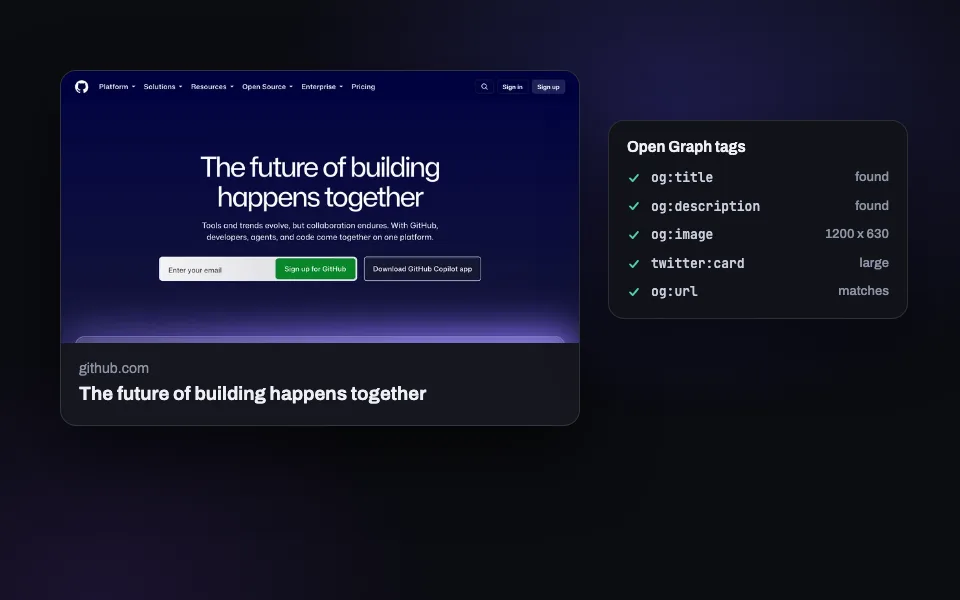
OG Image Checker
Preview how your link looks on X, Facebook, LinkedIn, and Slack. Validate Open Graph tags.
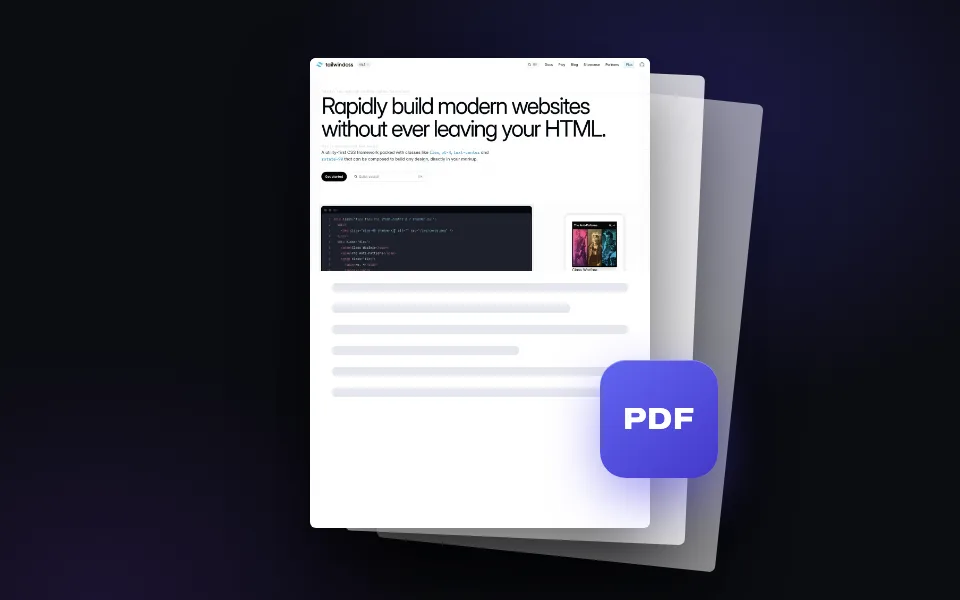
Webpage to PDF
Convert any web page into a downloadable PDF document. Full page, one click.
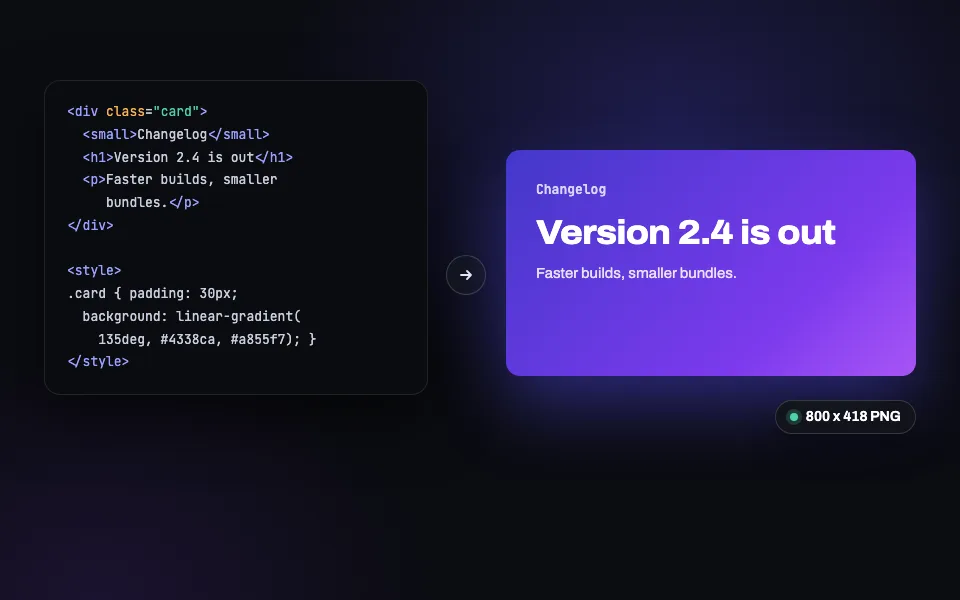
HTML to PNG
Paste HTML and CSS, get a pixel-perfect PNG back (JPEG and WebP too). Built for social cards.
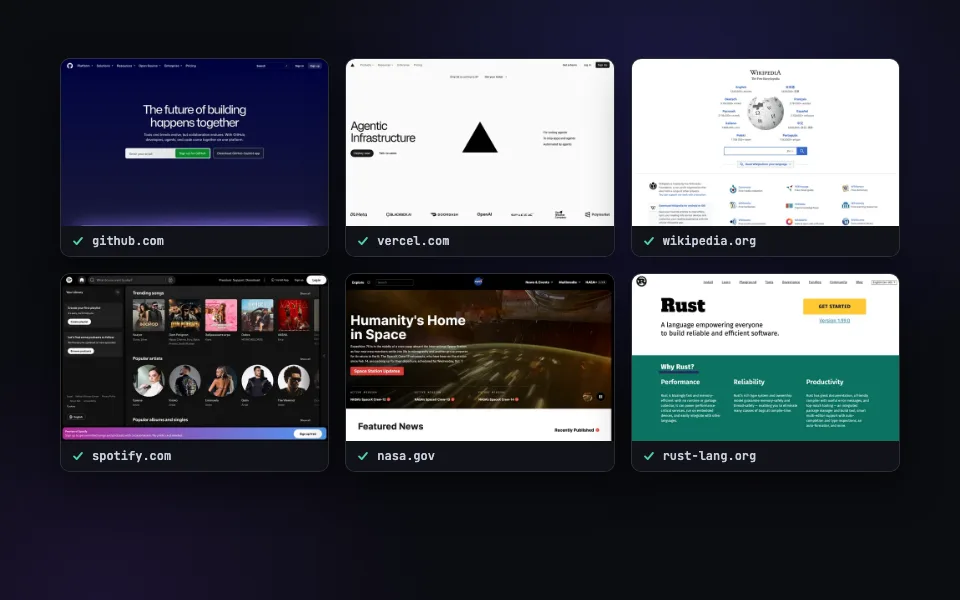
Bulk Screenshots
Paste a list of URLs and capture them all at once. Ten a day free here, 50 per call with the batch API.
Related guides
Your settings are already an API call.
200 free renders a month with an API key. Every feature included, no credit card.