Webpage to PDF
Turn any web page into a PDF document. Full-page capture with ads and cookie banners removed.
Rather call it from code? A free account gives you 200 renders a month, every option on this page, and no five-a-day cap.
Loading the page and building your PDF...
That was one API call. Run it from your code.
Invoices, reports, any page as PDF. 200 renders a month free, no card.
You used your 10 free renders today. A free account gets you 200 PDFs a month, with priority rendering and no queue.
Get 200 free renders a monthPDF generation from code
The options above map directly to API parameters. Set format to pdf and you get a document instead of an image.
How it works
Enter a URL and click Convert. SnapRender loads the page in a real Chromium browser, waits for fonts and images, scrolls through the full page, and packages the result as a PDF document. Ads and cookie banners are stripped before capture, so your document stays clean.
What people use this for
Archiving articles and documentation, saving receipts and order confirmations, keeping legal records of published content, attaching page snapshots to reports, and reading long pages offline. The full-page option captures everything from header to footer in one document.
Save a webpage as PDF without ads or cookie pop-ups
The usual way to save a page as PDF is the browser's print dialog, and the result shows it: consent overlays in the middle, ad slots as gray boxes, broken page breaks. This converter blocks ads and dismisses cookie banners before the capture, then renders the page the way it actually looks on screen. The PDF you download is the article, the receipt, or the documentation page, with nothing pasted on top of it.
Automate it with the API
Need PDFs of a thousand pages, or a fresh PDF of the same page every morning? That is one API call with format set to pdf. Sign up for a free key (200 captures per month, no credit card) and schedule it from your own code, a cron job, or an AI agent through our MCP server.
Frequently asked questions
Is the PDF text selectable?
The PDF contains a pixel-perfect visual capture of the page, exactly as it appears in the browser. Layout, fonts, and images are preserved precisely, which makes it ideal for archiving and visual records.
How long can the page be?
Full-page capture handles very long pages, including infinite-scroll layouts up to a practical limit. Extremely long pages are capped at a maximum capture height to keep file sizes reasonable.
Can I convert pages behind a login?
This tool and the API capture publicly accessible pages only. SnapRender does not take session cookies, so pages behind a login are out of scope.
How many free conversions do I get?
10 per day with no signup. A free account raises that to 200 captures per month through the API, with PDFs, images, and every other feature included.
More free tools
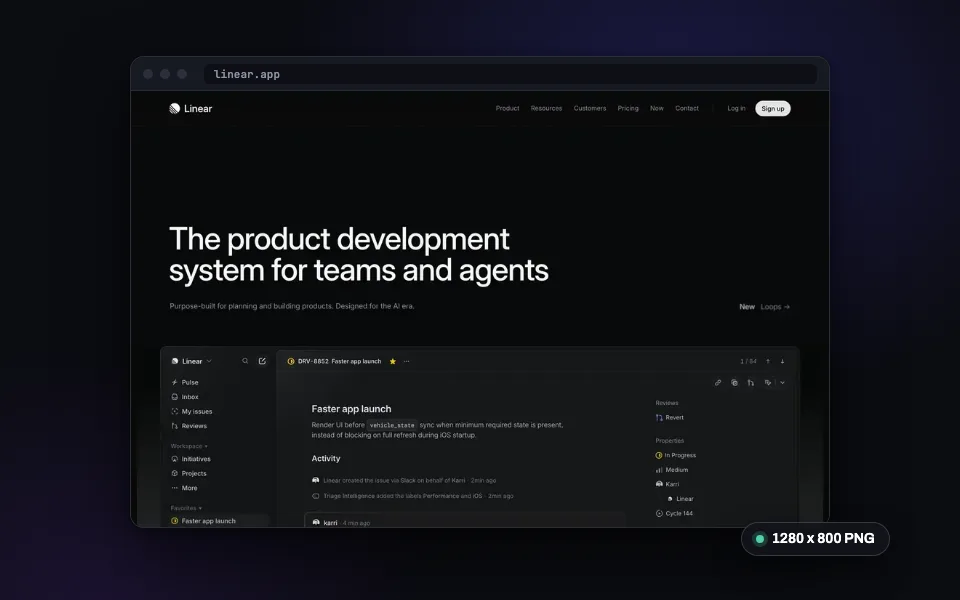
Website Screenshot
Capture any URL as PNG, JPEG, WebP, or PDF. No signup required.
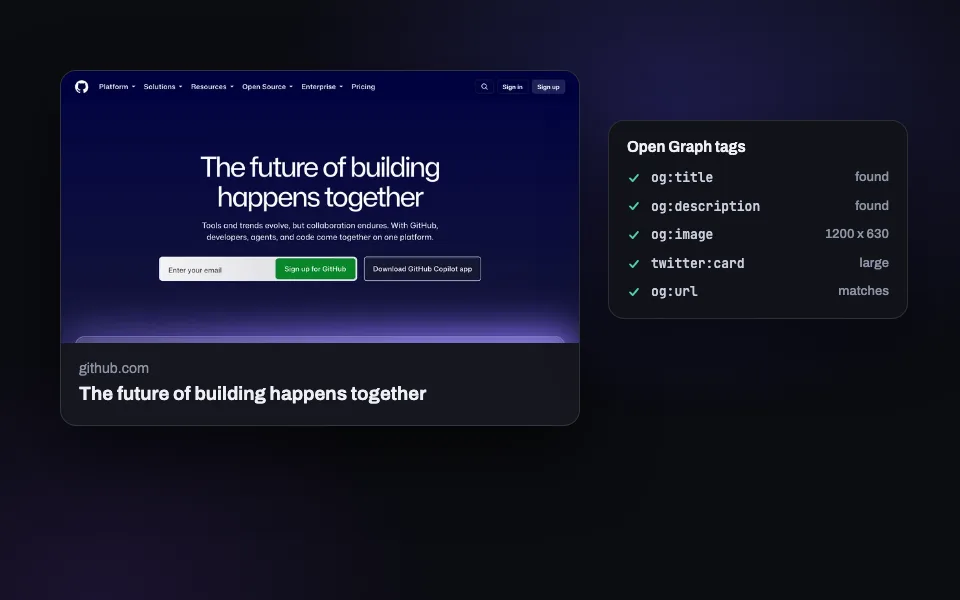
OG Image Checker
Preview how your link looks on X, Facebook, LinkedIn, and Slack. Validate Open Graph tags.
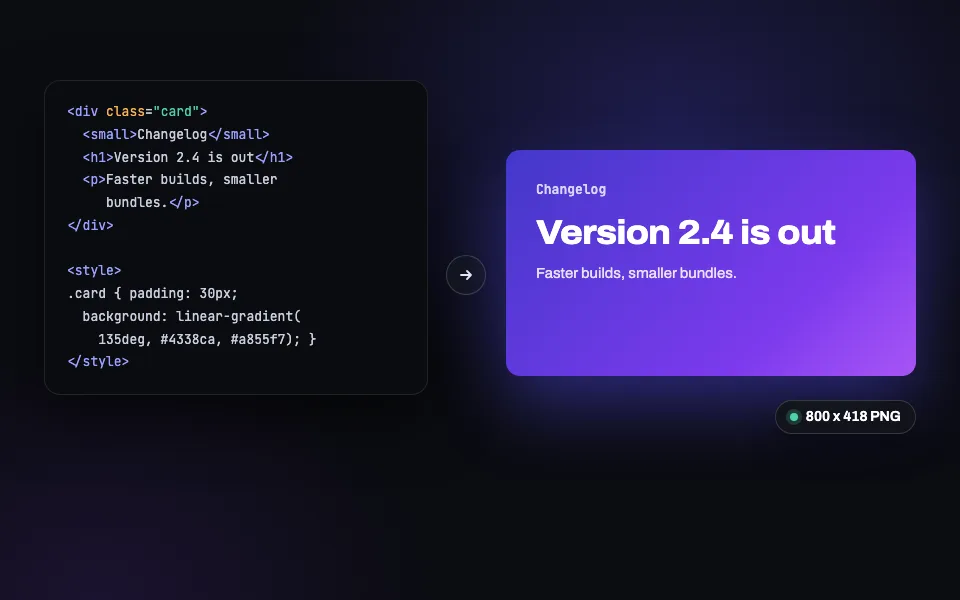
HTML to PNG
Paste HTML and CSS, get a pixel-perfect PNG back (JPEG and WebP too). Built for social cards.
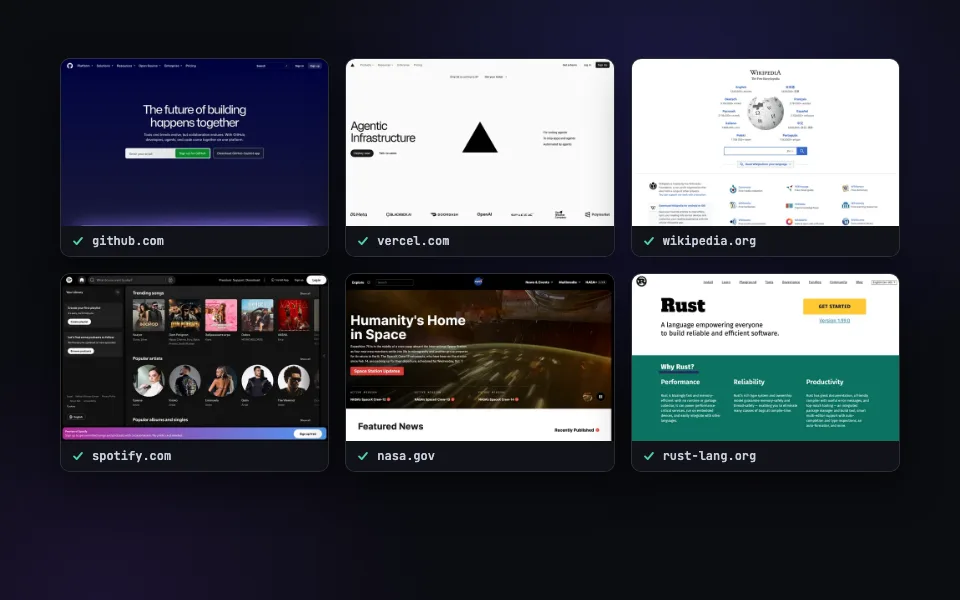
Bulk Screenshots
Paste a list of URLs and capture them all at once. Ten a day free here, 50 per call with the batch API.
Related guides
Make PDFs from your own code.
200 free renders a month with an API key. Every feature included, no credit card.