HTML to PNG Converter
Write HTML and CSS, render it in a real browser, download a pixel-perfect PNG. JPEG and WebP output included. The fastest way to build social cards and dynamic images.
Rather call it from code? A free account gives you 200 renders a month, every option on this page, and no five-a-day cap.
Rendering your HTML...
That was one API call. Run it from your code.
Open Graph images, certificates, receipts from templates. 200 renders a month free, no card.
You used your 10 free renders today. A free account gets you 200 renders a month, HTML up to 2 MB, and no queue.
Get 200 free renders a monthHTML rendering from code
Send your HTML in a POST body and get the image back. Build the HTML from a template, render thousands of unique images.
Real browser rendering
Your HTML renders in headless Chromium with full CSS support: flexbox, grid, gradients, web fonts, emoji, and custom properties all work exactly as they do in your browser. No subset renderer, no surprises between preview and production.
Why not convert in the browser?
Many free HTML-to-image converters run inside your own browser tab with a JavaScript canvas trick. That approach breaks on external images, Google Fonts, cross-origin stylesheets, and some CSS filters, and the output shifts between browsers. This tool renders server-side in actual Chrome, so external assets load, fonts resolve, and the PNG you get matches the page pixel for pixel. It is also the same path your code takes later: the API renders the identical way in production.
Built for dynamic images
The most common use case: Open Graph images generated per page. Design the card here, move the HTML into a template string in your code, inject the title and author per article, and call the API at build time or on demand. Certificates, invoices, quote cards, and email header images work the same way.
Sizing tips
For Open Graph cards use 1200x630. For Twitter summary cards use 800x418. The viewport you set here is the exact pixel size of the output image, rendered at 2x device scale for crisp text on retina displays.
PNG, JPEG, or WebP: which output to pick
PNG is the right default for HTML conversion: text stays sharp, flat colors stay clean, and gradients do not band. Pick JPEG when your card is mostly photography and file size matters more than crisp edges. Pick WebP when you control the delivery pipeline and want the smallest files with PNG-like quality. Whatever you pick here, the API call takes the same single format parameter.
Frequently asked questions
How do I convert HTML to PNG?
Paste your HTML and CSS into the editor above, keep PNG selected as the format, and click Render. The markup renders in a real Chrome browser and you download the PNG. From code, send the same HTML in one POST request to the API with format set to png.
Can I use external images and fonts?
Yes. Link Google Fonts in a style tag and reference images by their public https URL. The renderer waits for resources to load before capturing.
Does JavaScript in my HTML run?
Yes, scripts execute before capture, so you can draw on a canvas or compute values. For most cards, plain HTML and CSS is faster and more predictable.
What is the size limit?
This free tool accepts up to 100 KB of HTML, enough for any card or template. The API accepts up to 2 MB for full email templates and reports.
How many free renders do I get?
10 per day with no signup. A free account raises that to 200 renders per month through the API, enough to generate OG images for a whole blog.
More free tools
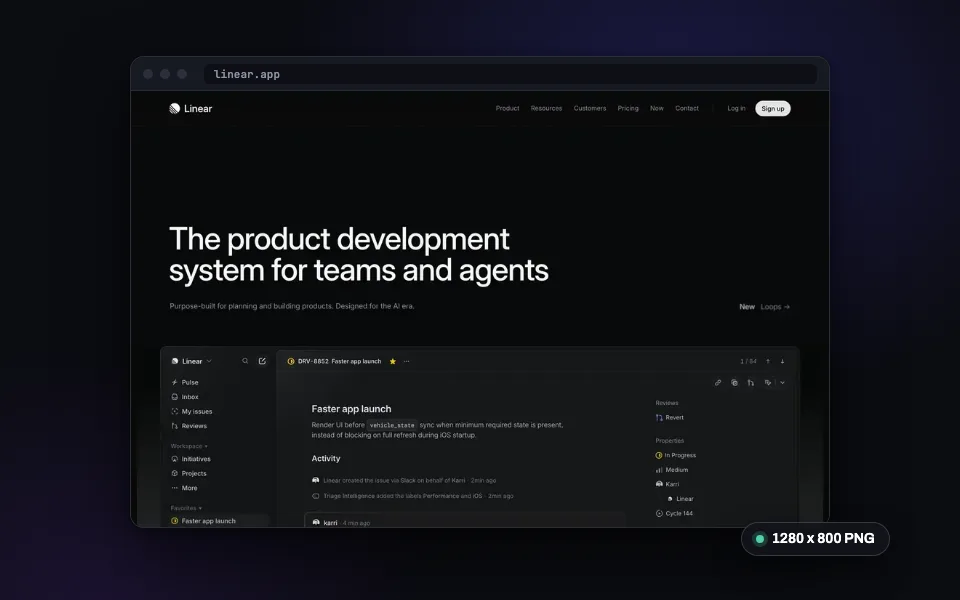
Website Screenshot
Capture any URL as PNG, JPEG, WebP, or PDF. No signup required.
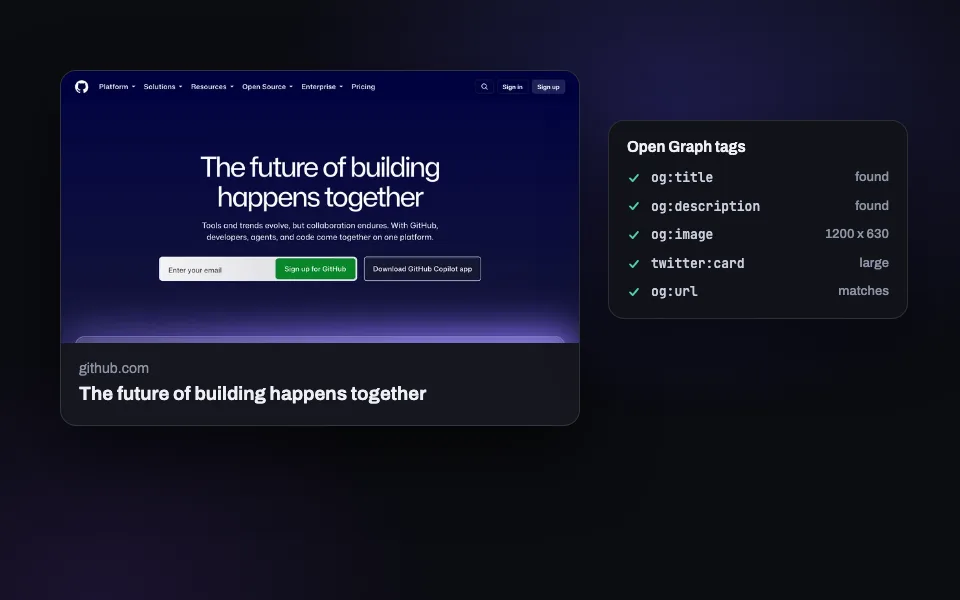
OG Image Checker
Preview how your link looks on X, Facebook, LinkedIn, and Slack. Validate Open Graph tags.
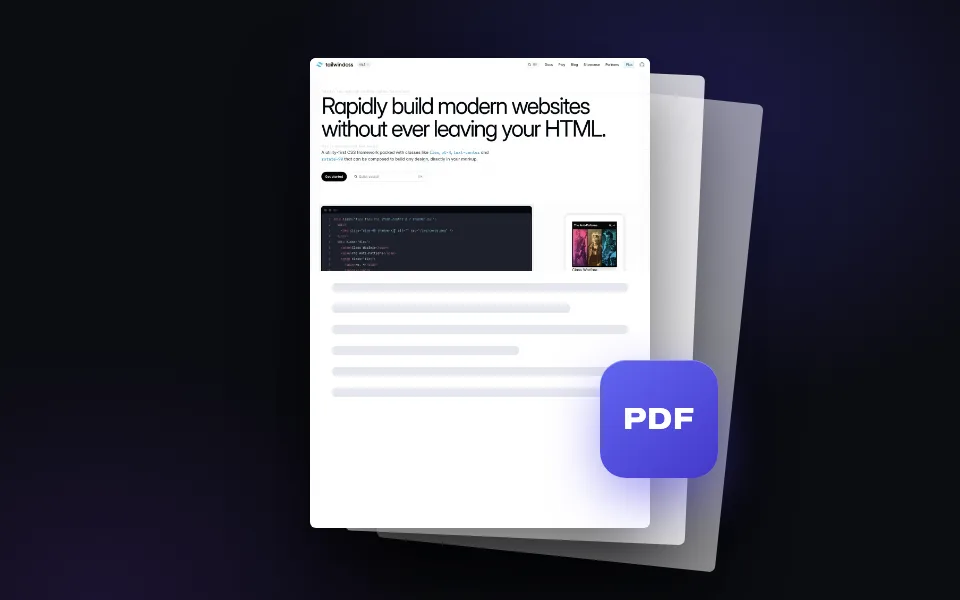
Webpage to PDF
Convert any web page into a downloadable PDF document. Full page, one click.
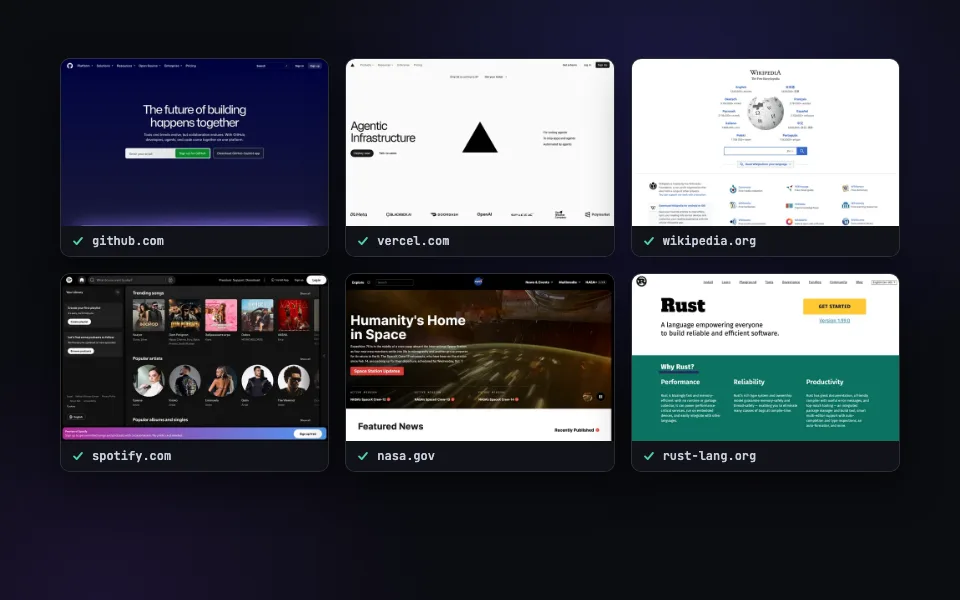
Bulk Screenshots
Paste a list of URLs and capture them all at once. Ten a day free here, 50 per call with the batch API.
Related guides
Render cards from your own templates.
200 free renders a month with an API key. Every feature included, no credit card.