Signed URLs
Screenshots in any page, without exposing your API key
Sign a screenshot URL on your server, then drop it into an <img> tag, an email, a dashboard or a no-code tool. It renders for anyone who opens it, nobody can point it at another page, and it stops working when you say so. For front ends that need live captures without a proxy endpoint.
Signing is freeExpires in 1 minute to 30 daysEvery plan
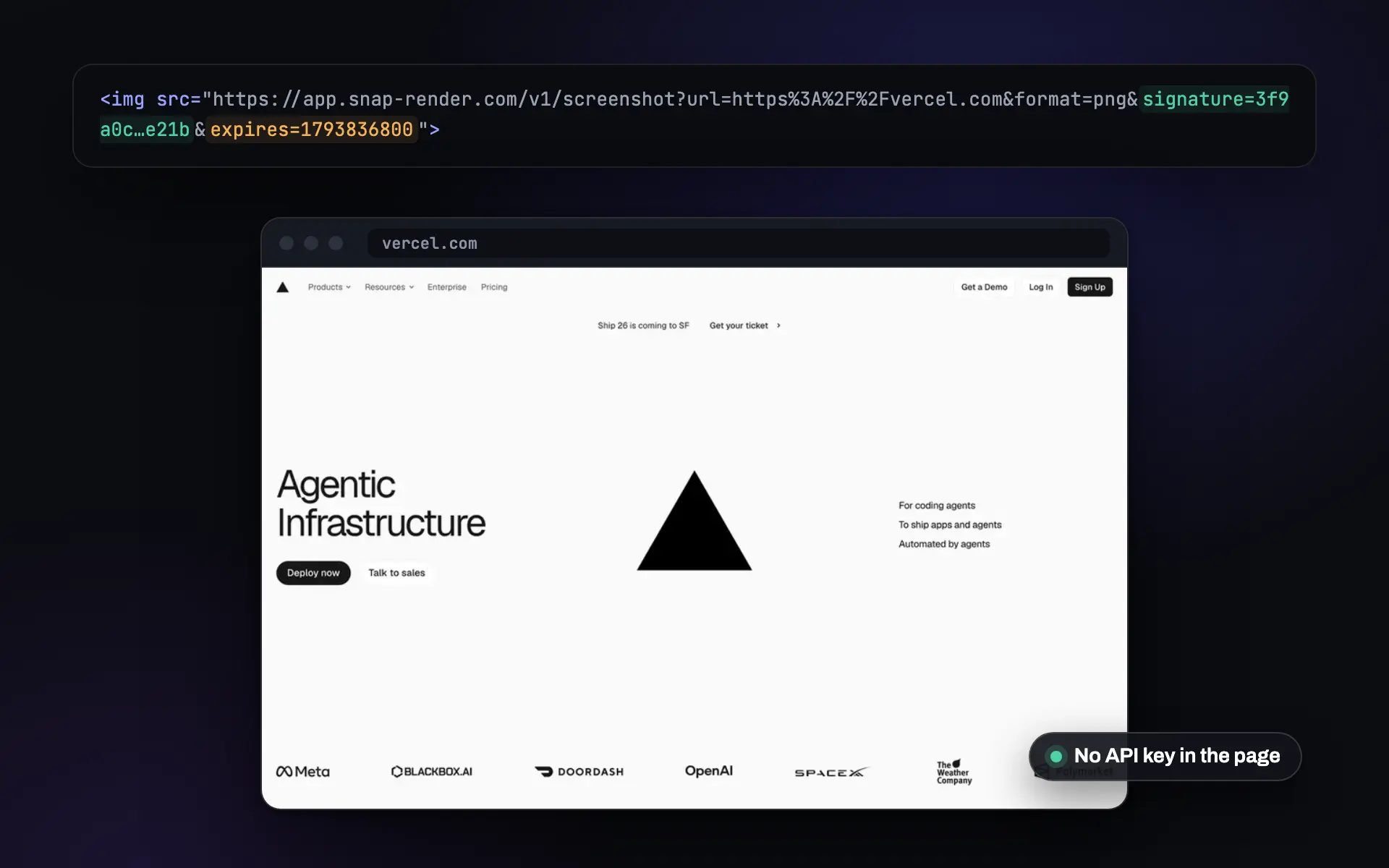
A capture as a plain image URL
Calling the API from a browser would leak your key, and a proxy route is one more thing to build and run. A signed URL is the safe middle.
-
Your key stays on the server
The URL carries a signature, never the key. Put it in client code, an email or a public page without worrying about who reads the source.
-
Locked to what you signed
The target page and every option are part of the signature. Edit any of them and the request is refused, so the link cannot be reused for other sites.
-
Repeat views cost nothing
The first open renders the page. After that it is served from cache for your plan's cache window, so a busy dashboard does not burn your quota.
Sign once, use anywhere
One server-side call, then the URL works on its own.
- Sign on your server
POST /v1/screenshot/signwith the page, the options and how long the link should live: 60 seconds to 30 days, 24 hours by default. - Put the URL where people look
An
<img>tag, an email template, a Slack message, a Notion or Airtable image field. No key, no headers. - SnapRender checks and renders
Each open is checked against the signature and the expiry, then rendered in real Chrome or served from cache.
curl -X POST "https://app.snap-render.com/v1/screenshot/sign" \
  -H "X-API-Key: sk_live_your_key_here" \
  -H "Content-Type: application/json" \
  -d '{"url": "https://example.com", "format": "webp", "width": 1280, "expires_in": 604800}'
{
"signed_url": "https://app.snap-render.com/v1/screenshot/render?url=https%3A%2F%2Fexample.com&format=webp&width=1280&expires=1791969271&key_prefix=sk_live_a1b2&sig=9f2c...",
"expires_at": "2026-10-14T09:14:31.000Z",
"expires_in": 604800
}<!-- In an email, a dashboard, a README or a client app -->
<img
src="https://app.snap-render.com/v1/screenshot/render?url=https%3A%2F%2Fexample.com&format=webp&width=1280&expires=1791969271&key_prefix=sk_live_a1b2&sig=9f2c..."
alt="Preview of example.com"
loading="lazy">import { SnapRender } from 'snaprender';
const snap = new SnapRender({ apiKey: process.env.SNAPRENDER_KEY });
// On your server: sign once, send the URL to the browser
const { signedUrl } = await snap.sign({
url: 'https://example.com',
format: 'webp',
expiresIn: 7 * 24 * 3600,
});Full reference: signed URLs in the docs.
Where signed URLs fit
Anywhere you want a live capture to appear without writing a backend route for it.
-
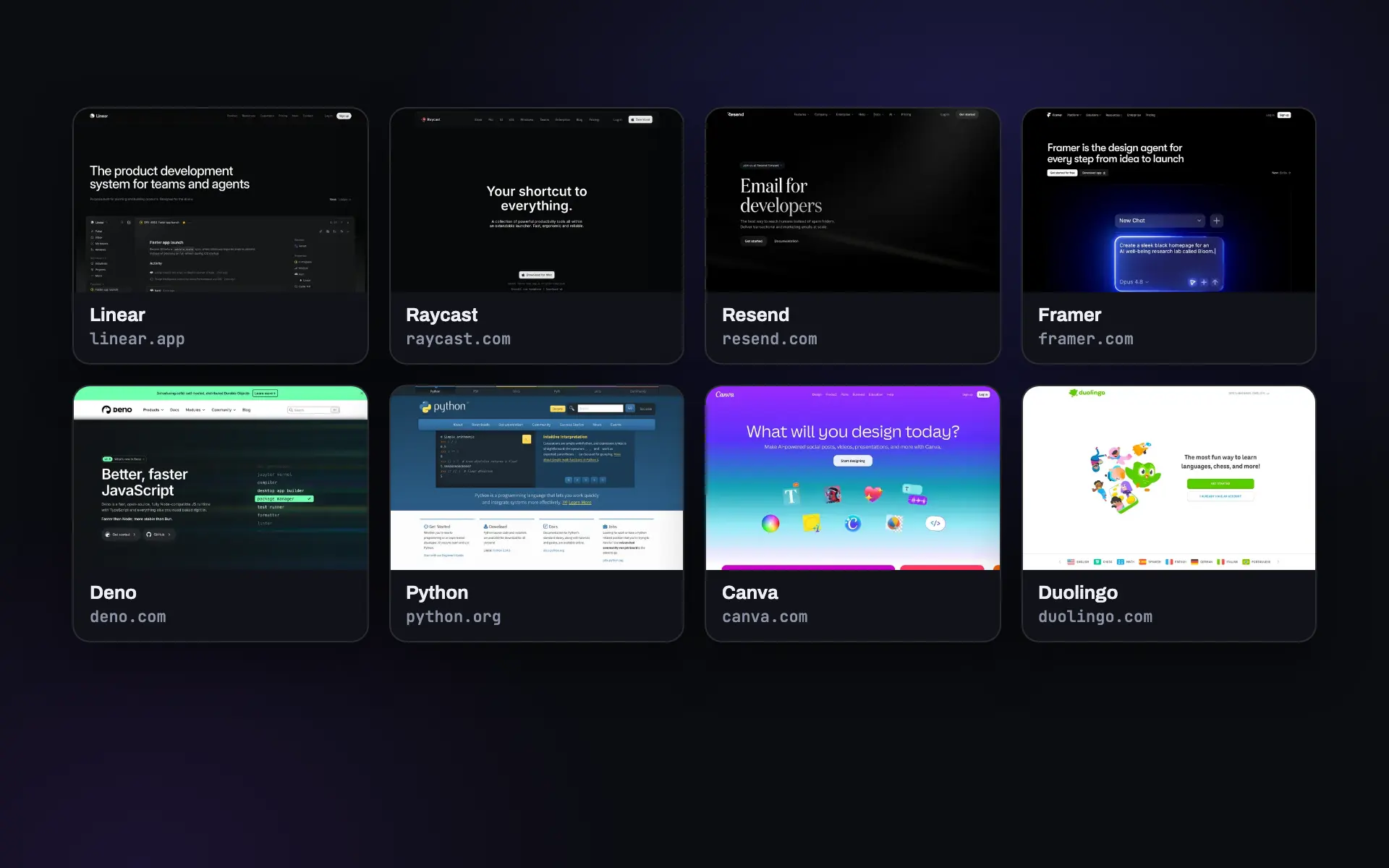 Front ends
Thumbnails straight in the page
Sign a URL per listing when you save it and render the grid with plain image tags.
Website thumbnails -
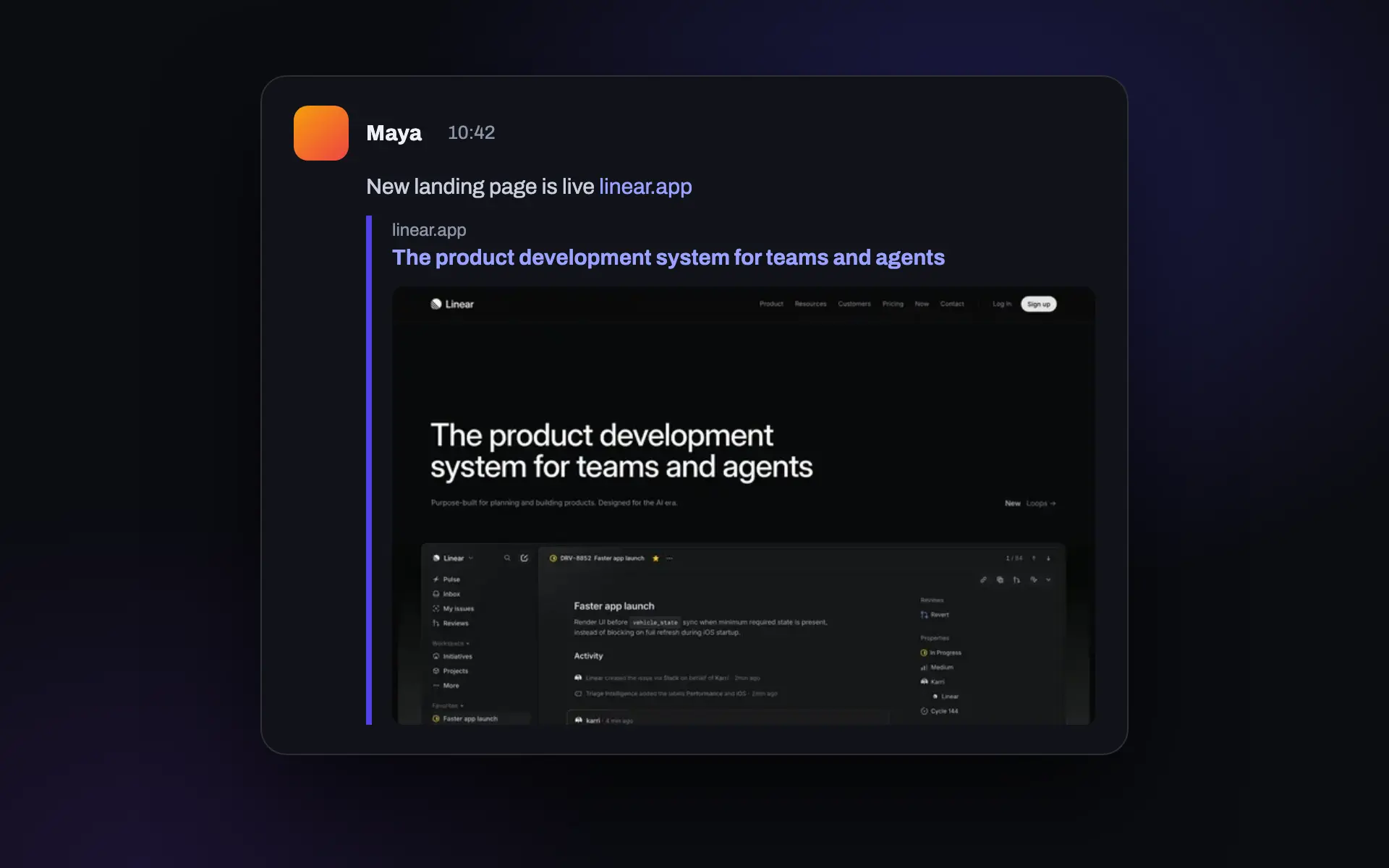 Chat and feeds
Preview images for shared links
Use a signed 1200 by 630 capture as the card image when a site has no Open Graph image.
Link previews -
 Agencies
Live captures in client reports
A link in the report or the email that shows the client's page as it looks today.
Read the guide
Screenshots as an API call
Send a GET request, get a PNG back. Ads and cookie banners blocked by default.
200 free renders a month. Paid plans start at $9.
See what the link returns
A signed URL renders exactly this. Try your page here, no sign-up needed.
Building for an AI agent? The MCP server has a sign tool, so the agent can share a capture link with the user.
Try it on your URL
Live capture, no signup. You get the screenshot and the exact API call that produced it.
This is the exact API call that made the image above. Swap in your key and it runs anywhere.
200 renders a month free.
You hit the free demo limit here. The full tool can verify you are human and keep going.
Continue in the full toolQuestions
How long does a signed URL work?
You choose with expires_in: from 60 seconds to 30 days. The default is 24 hours. After that the URL answers 410 Gone and you sign a new one.
When does it count against my quota?
Signing is free. A render counts when the URL is opened. Later opens are served from cache for your plan's cache window (1 day on Free, 7 days on Starter, 30 days on Growth and up) and do not count again.
Can someone edit the URL to capture another page?
No. The target URL and every option are covered by the signature. Change any of them and the request is refused with 403.
Can I revoke a signed URL?
Not one at a time. Revoke the API key that signed it in your dashboard and every URL it signed stops working at once. Short expiry times limit how long a shared link lives.
Which options can I sign?
The capture options: format, width, height, full_page, quality, delay, dark_mode, device preset, ad and cookie banner blocking, hide_selectors, click_selector and user_agent. Raw HTML input and custom request headers need a normal API call from your server.
Do signed URLs need an SDK?
No. One POST from any language returns the URL. The Node.js, Python and Go SDKs and the MCP server also have a sign method, so an AI agent can hand a user a link to a fresh capture.