Batch screenshot API
Capture 50 URLs in one API call
Send a list of pages and get a download link for each capture. SnapRender works through the list for you, refunds any page that fails, and calls your webhook when the batch is done. Made for directories, site audits, client reports and nightly jobs.
Up to 50 URLs a callFailed pages refundedOn every plan
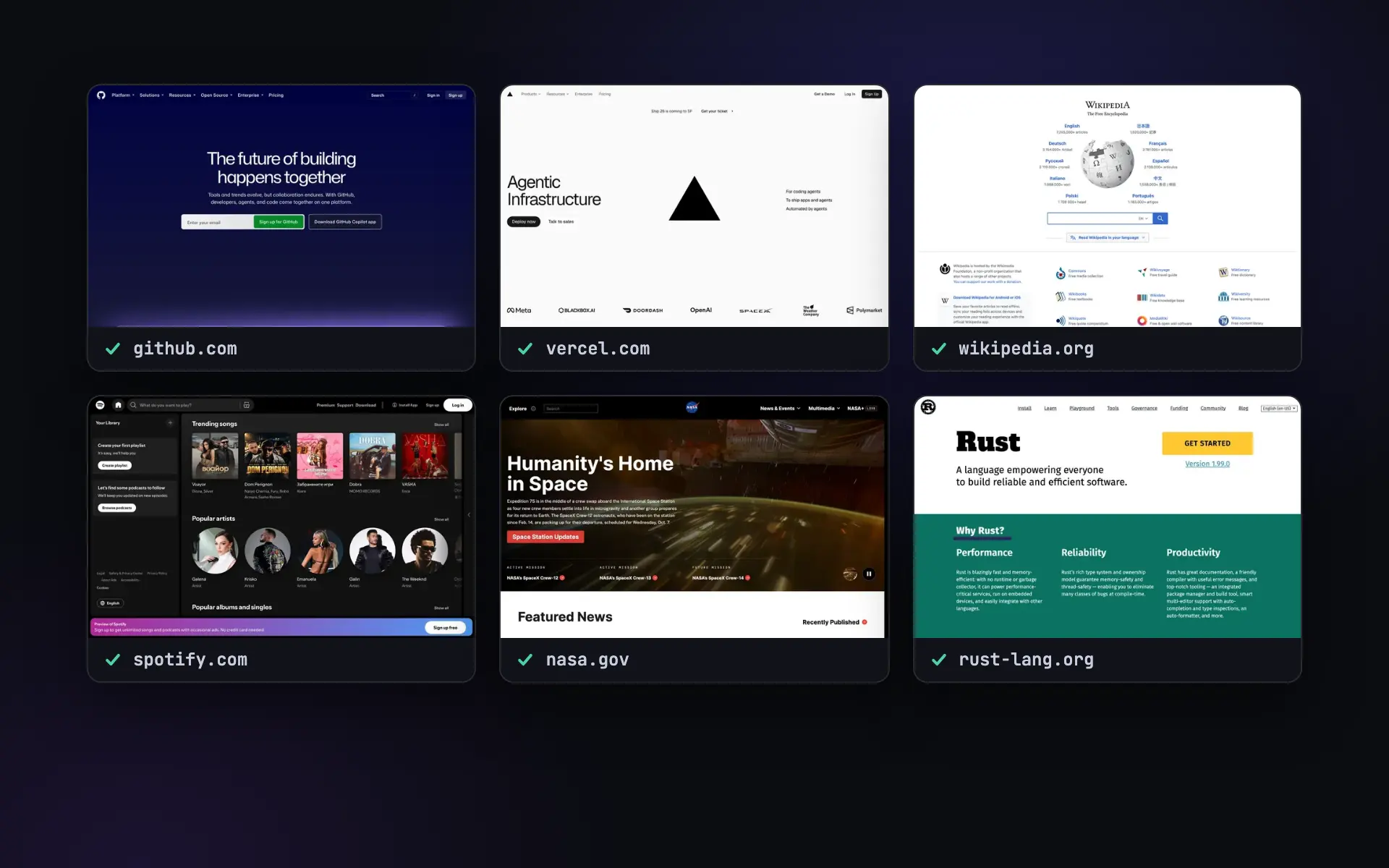
A list in, a folder of captures out
Looping over URLs yourself means a queue, a worker, timeouts and a spreadsheet of what failed. A batch is one request.
-
One request instead of fifty
Up to 50 URLs with one set of options. You get a job ID back at once and your code moves on while SnapRender captures.
-
Told when it is done
A signed
screenshot.completedwebhook with the counts the moment the last page is captured, or a status URL to poll. -
Pay for captures that worked
A page that fails is marked with the reason and refunded. The rest of the batch carries on, and the quota is checked before it starts.
Submit, wait, download
Three calls at most. With a webhook, your server does not even have to ask.
- Send the list
POST /v1/screenshot/batchwith up to 50 URLs and the options for all of them: format, size, device, full page, dark mode. - SnapRender captures each page
A fresh render in real Chrome, with cookie banners and ads removed, at your plan's rate. The first response tells you how long it should take.
- Collect the files
Your webhook gets
screenshot.completed, or you poll the status URL. Each capture has a download link that works for 24 hours.
curl -X POST "https://app.snap-render.com/v1/screenshot/batch" \
  -H "X-API-Key: sk_live_your_key_here" \
  -H "Content-Type: application/json" \
  -d '{"urls": ["https://github.com", "https://stripe.com", "https://example.com"],
       "format": "webp", "width": 1280, "height": 800}'
{
"jobId": "4b7c2e8a-0d1f-4c3e-9a51-6f2d8e1b7c90",
"status": "pending",
"statusUrl": "/v1/screenshot/batch/4b7c2e8a-0d1f-4c3e-9a51-6f2d8e1b7c90",
"total": 3,
"completed": 0,
"failed": 0,
"estimatedSeconds": 12
}POST https://your-server.com/hooks/snaprender
X-SnapRender-Event: screenshot.completed
X-SnapRender-Signature: sha256=...
{
"jobId": "4b7c2e8a-0d1f-4c3e-9a51-6f2d8e1b7c90",
"status": "completed",
"total": 3,
"completed": 3,
"failed": 0,
"completedAt": "2026-10-07T09:14:31.000Z"
}curl "https://app.snap-render.com/v1/screenshot/batch/4b7c2e8a-..." \
-H "X-API-Key: sk_live_your_key_here"
{
"status": "completed",
"items": [
{ "url": "https://github.com", "status": "completed", "downloadUrl": "https://..." },
{ "url": "https://stripe.com", "status": "completed", "downloadUrl": "https://..." },
{ "url": "https://example.com", "status": "completed", "downloadUrl": "https://..." }
]
}Full reference: batch in the docs, webhooks.
What people batch
Any job where the list of pages is known up front.
-
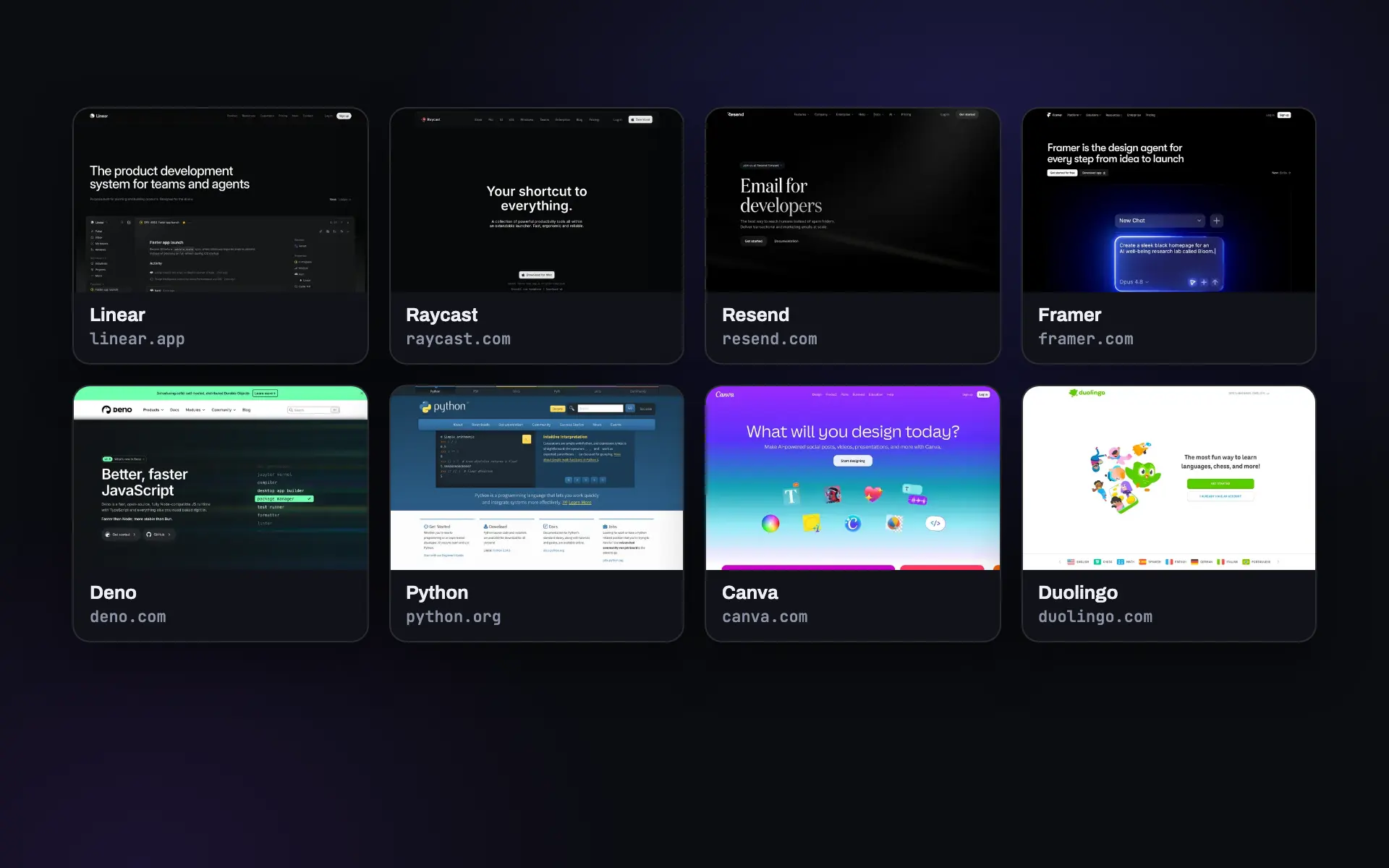 Directories
A thumbnail for every listing
Fill a directory or a CRM with consistent previews, 50 sites per call.
Website thumbnails -
 Agencies
Every client site for the report
Capture all client home pages and landing pages in one go for the monthly report.
Read the guide -
 Evidence
Archive a whole set of pages
Terms, disclosures and ad landing pages captured together, as images or PDFs.
Read the guide -
 Research
A snapshot of the market
Every competitor's pricing and feature pages in one batch, ready to compare side by side.
Read the guide
Watching the same pages over and over? Scheduled captures run on their own and email you when a page changes.
Screenshots as an API call
Send a GET request, get a PNG back. Ads and cookie banners blocked by default.
200 free renders a month. Paid plans start at $9.
Batches on every plan
A bigger plan captures more pages a minute, so a 50-URL batch finishes sooner. The per-site limit keeps any one target from being flooded.
| Plan | Price | Renders a month | Captures a minute | Same site a minute |
|---|---|---|---|---|
| Free | $0 | 200 | 10 | 10 |
| Starter | $9 | 2,000 | 30 | 15 |
| Growth | $29 | 10,000 | 60 | 15 |
| Business | $79 | 50,000 | 120 | 20 |
| Scale | $199 | 200,000 | 200 | 30 |
Every plan has every feature: batches, webhooks, PDF, device presets and the MCP server for AI agents. All plans and yearly prices.
Questions
How many URLs can one batch hold?
Up to 50. Each URL counts as one render of your monthly quota, and the whole batch is checked against your quota before it starts, so it never stops halfway because you ran out.
What happens when a page fails?
That item is marked failed with the reason, the other pages carry on, and the render is refunded when the batch finishes. To try again, send the failed URLs in a new batch.
How long do the download links work?
Each link works for 24 hours, and the job status stays available for 24 hours too. Download the files, or copy them to your own storage, within that window.
Which options can a batch use?
The same capture options as a single screenshot, applied to every URL: format (PNG, JPEG, WebP or PDF), width, height, full_page, quality, delay, dark_mode, device presets, ad and cookie banner blocking, hide_selectors, click_selector and user_agent. Every item is a fresh capture.
How do I know when a batch is done?
Register a webhook for screenshot.completed and SnapRender calls your server with the counts when the last page is captured. Or poll the statusUrl from the first response, which also gives an estimate in seconds.
How fast does a batch run?
SnapRender works through the list at your plan's capture rate, from 10 a minute on the free plan to 200 a minute on Scale, with a lower limit per site so a target is not flooded. The table above has the numbers for every plan.
Check one page first
Every item in a batch is captured exactly like this. Try your URL here, no sign-up needed.
Have a list ready? The bulk screenshot tool captures 10 URLs a day without an account.
Try it on your URL
Live capture, no signup. You get the screenshot and the exact API call that produced it.
This is the exact API call that made the image above. Swap in your key and it runs anywhere.
200 renders a month free.
You hit the free demo limit here. The full tool can verify you are human and keep going.
Continue in the full tool