OG Image Checker
See exactly how your link renders on X, Facebook, LinkedIn, Slack, and Google. Validate Open Graph and Twitter Card tags in one click.
Rather call it from code? A free account gives you 200 renders a month, every option on this page, and no five-a-day cap.
You used your 10 free checks today. A free account gets you 200 metadata calls a month, so you can check every page on your site.
Get 200 free calls a monthLoading the page and reading its tags...
Check tags from code
The same check is one call to our extract API. Point it at any URL and get every meta tag back as JSON.
What are Open Graph tags?
Open Graph tags are meta tags in your page's HTML that control how the link appears when shared. og:title sets the headline, og:description the summary, and og:image the preview picture. X (Twitter) reads its own twitter:card tags first and falls back to Open Graph. Without these tags, platforms guess, and the result is usually a bare link or a random image.
Recommended image size
Use 1200x630 pixels (1.91:1 ratio) for og:image. That size renders sharp on X, Facebook, LinkedIn, and Slack. Keep the file under 5 MB, use an absolute URL with https, and avoid text near the edges since some platforms crop aggressively.
Why this checker loads the real page
This tool loads your URL in a real Chromium browser, the same engine behind our screenshot API. Tags injected by JavaScript frameworks (Next.js, Nuxt, client-side React) are picked up correctly, which plain HTML fetchers miss. What you see here is what crawlers with JavaScript rendering see.
Test your link preview on Slack and Google, not just social
Most preview testers stop at X and Facebook. Links get shared in Slack channels and found through Google far more often, and both render differently: Slack unfurls with its own compact card, and Google may show your og:image next to the result. This checker previews all five surfaces side by side, so the link you ship looks right where your audience actually sees it.
Common og:image mistakes this tool catches
The usual suspects: a relative image path instead of an absolute https URL, an image behind a redirect or a 404, missing og:title so the platform invents one, twitter:card absent so X falls back to a small thumbnail, and images in the wrong ratio that get cropped mid-headline. Each check above flags these directly on your URL, with the failing tag named.
Frequently asked questions
Why does my link show no image on social media?
The most common causes: the og:image tag is missing, the image URL is relative instead of absolute, the image is too large, or the page blocks the platform's crawler. Run your URL through this checker to see exactly which tag is missing or broken.
How do I refresh a cached preview on X or Facebook?
Platforms cache link previews. After fixing your tags, use Facebook's Sharing Debugger to re-scrape, or post the URL with a query string (?v=2) on X to force a fresh fetch. This checker always loads the live page, so it shows your current tags.
Can I check OG tags programmatically?
Yes. The SnapRender extract API returns title, description, canonical URL, and all Open Graph and Twitter Card tags as JSON for any URL. The free plan includes 200 requests per month, enough to monitor tags across a mid-size site daily.
How many free checks do I get?
10 per day, no signup needed. Repeat checks of the same URL within an hour are served from cache and do not count against your limit, so you can fix tags and re-check freely.
More free tools

Website Screenshot
Capture any URL as PNG, JPEG, WebP, or PDF. No signup required.
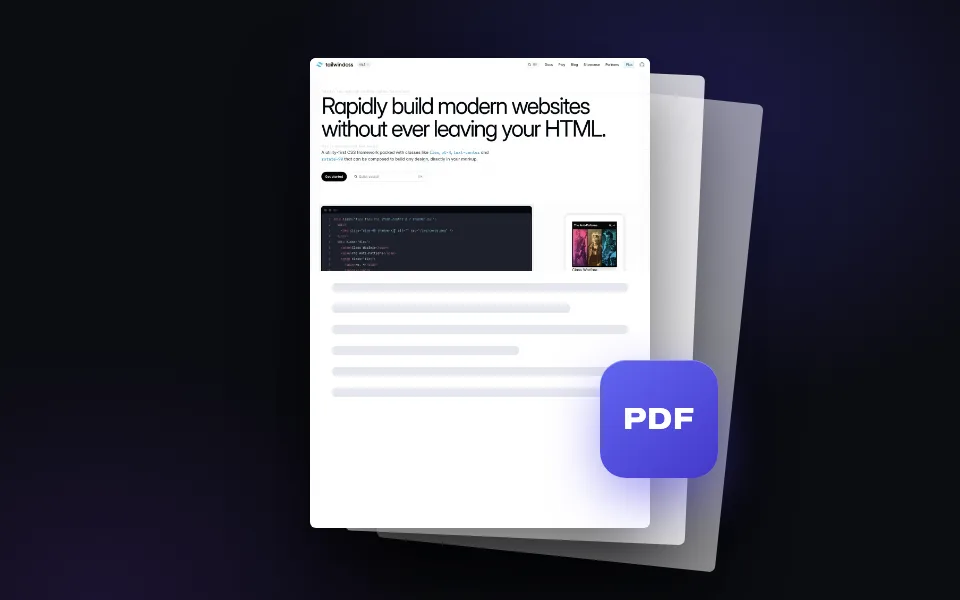
Webpage to PDF
Convert any web page into a downloadable PDF document. Full page, one click.
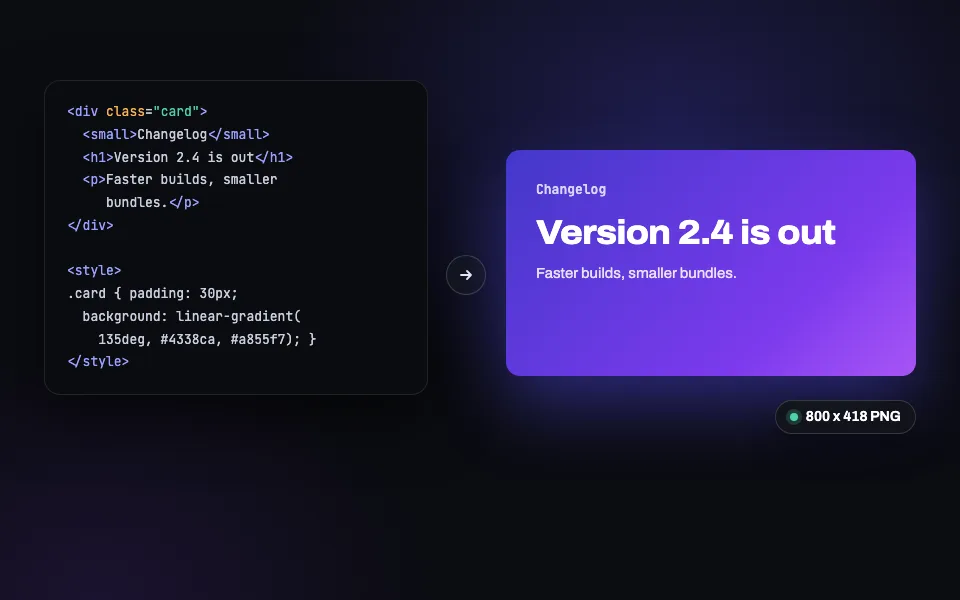
HTML to PNG
Paste HTML and CSS, get a pixel-perfect PNG back (JPEG and WebP too). Built for social cards.
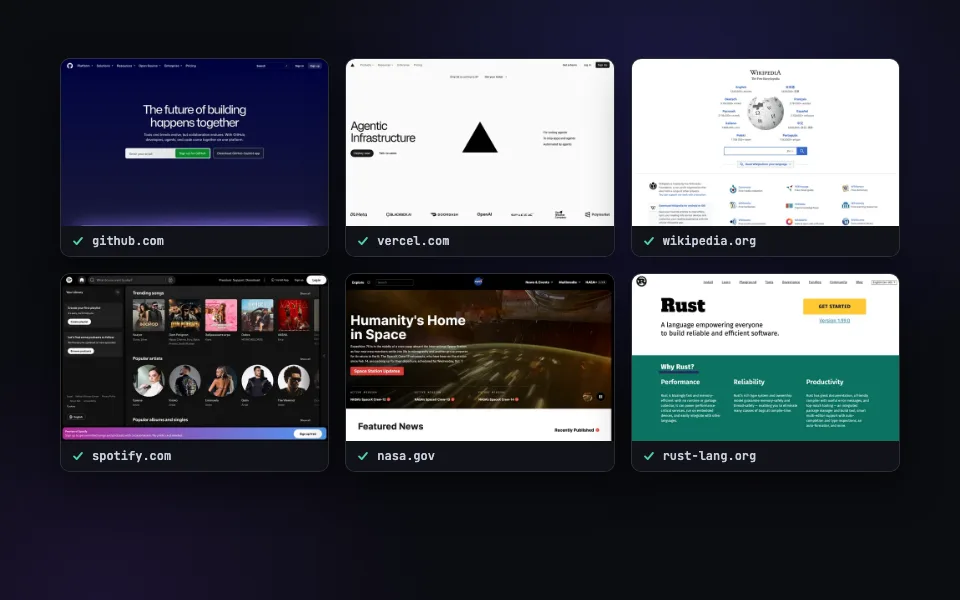
Bulk Screenshots
Paste a list of URLs and capture them all at once. Ten a day free here, 50 per call with the batch API.
Related guides
Check every page, not just this one.
200 free renders a month with an API key. Every feature included, no credit card.