Webhook notifications
Webhooks that tell your code when captures are ready
Stop polling. SnapRender sends a signed POST to your server when a batch finishes, a scheduled capture runs, a watched page changes, or your quota runs low. For backends, Slack bots and no-code flows that should act on a capture the moment it exists.
Included in every planHMAC-SHA256 signedRetried for over an hour
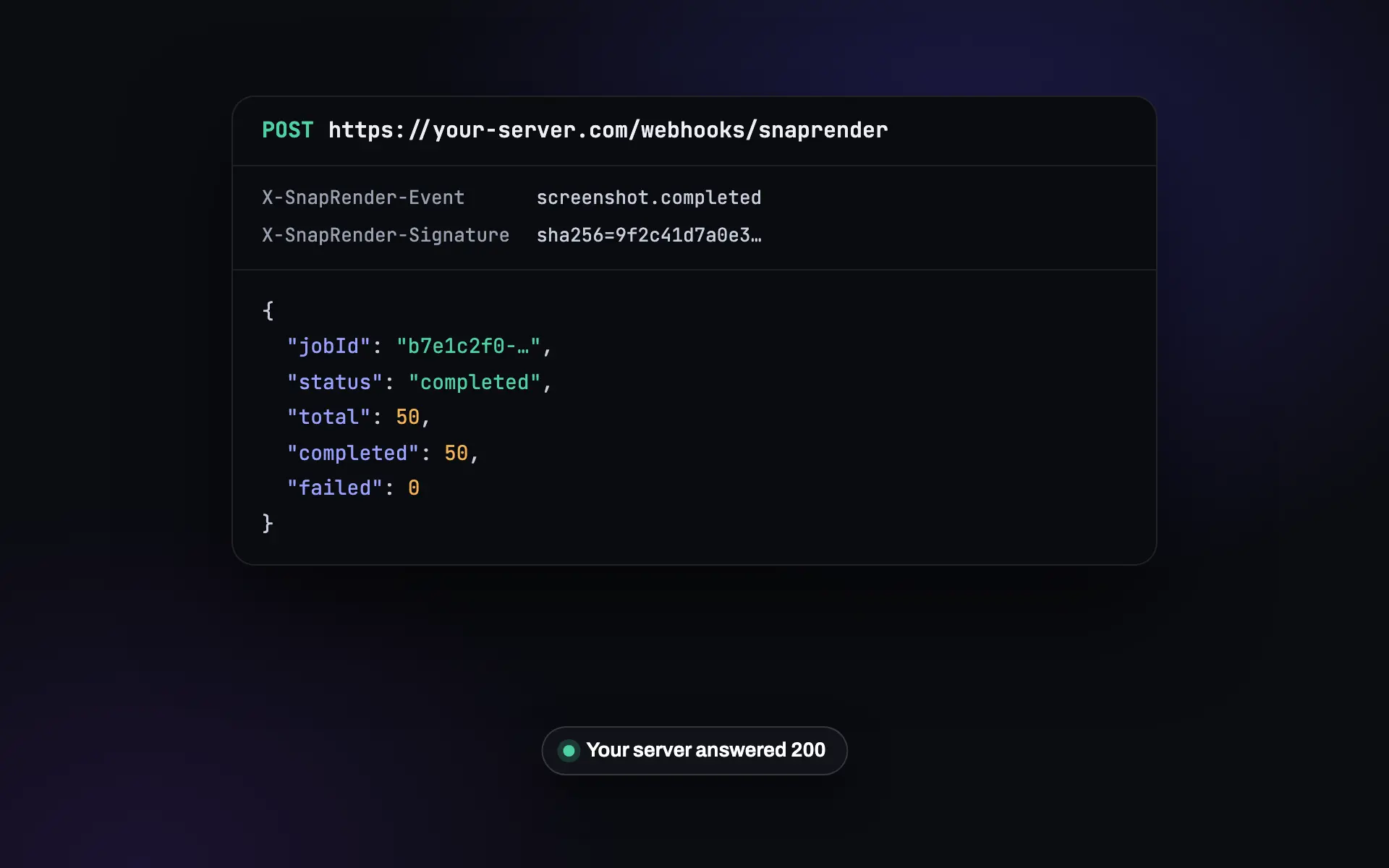
Your server hears about it first
A loop that asks "done yet?" every few seconds wastes calls and still reacts late. A webhook arrives once, when there is something to do.
-
React the moment it happens
Store a finished batch, post a page change to Slack, or pause a job when quota runs low, without a polling loop.
-
Know it came from SnapRender
Every delivery is signed with your own secret. Ten lines of code reject anything forged before you act on it.
-
Survives a bad minute
If your endpoint is down, the delivery is retried after 1, 5 and 15 minutes and after an hour. A test call checks your setup first.
Five events, one format
The body is JSON. The event name is in the X-SnapRender-Event header and the signature in X-SnapRender-Signature.
| Event | Fires when | You get |
|---|---|---|
screenshot.completed | A batch has captured its last URL | Job ID, status, total, completed and failed counts |
change.detected | A scheduled capture differs from the last one by more than your threshold | Schedule, URL, share of the page changed, SHA-256 and a download link |
capture.completed | Any scheduled capture finishes, changed or not, or fails | The same fields, with changed true or false |
quota.warning | You have used 80% of your monthly renders | Plan, used, limit and remaining |
quota.exceeded | You have used all of them | The same fields |
Set up in three calls
Register once, verify every delivery, test before you rely on it.
- Register your URL
POST /v1/webhookswith the address and the events you want. Keep thewhsec_secret from the response. - Verify each delivery
Hash the raw body with your secret and compare it with
X-SnapRender-Signature. Answer 2xx within 10 seconds. - Send a test event
POST /v1/webhooks/{id}/testdelivers a signedtestevent and reports the status code your server returned.
curl -X POST "https://app.snap-render.com/v1/webhooks" \
  -H "X-API-Key: sk_live_your_key_here" \
  -H "Content-Type: application/json" \
  -d '{"url": "https://your-server.com/hooks/snaprender",
       "events": ["screenshot.completed", "change.detected"]}'

# The response includes the signing secret, shown once:
# { "id": "...", "secret": "whsec_...", "events": [...] }
import crypto from 'node:crypto';
function verify(rawBody, signature = '', secret) {
const expected = 'sha256=' + crypto
.createHmac('sha256', secret)
.update(rawBody)
.digest('hex');
return signature.length === expected.length &&
crypto.timingSafeEqual(Buffer.from(signature), Buffer.from(expected));
}
// rawBody = the unparsed request body
if (!verify(rawBody, req.headers['x-snaprender-signature'], process.env.WEBHOOK_SECRET)) {
return res.status(401).send('Invalid signature');
}import hashlib, hmac
def verify(raw_body: bytes, signature: str, secret: str) -> bool:
expected = "sha256=" + hmac.new(secret.encode(), raw_body, hashlib.sha256).hexdigest()
return hmac.compare_digest(signature or "", expected)
# Flask: verify(request.get_data(), request.headers.get("X-SnapRender-Signature"), SECRET)curl -X POST "https://app.snap-render.com/v1/webhooks/WEBHOOK_ID/test" \
-H "X-API-Key: sk_live_your_key_here"
{ "statusCode": 200, "success": true, "deliveredAt": "2026-10-07T09:14:31.000Z", ... }Full reference: webhooks in the docs. The Node.js, Python and Go SDKs have webhook helpers.
What people wire up
Webhooks are the glue between SnapRender and the rest of your stack.
-
 change.detected
Page changes into your app
Open a ticket or post to a channel when a watched page changes, with the capture attached.
Scheduled captures -
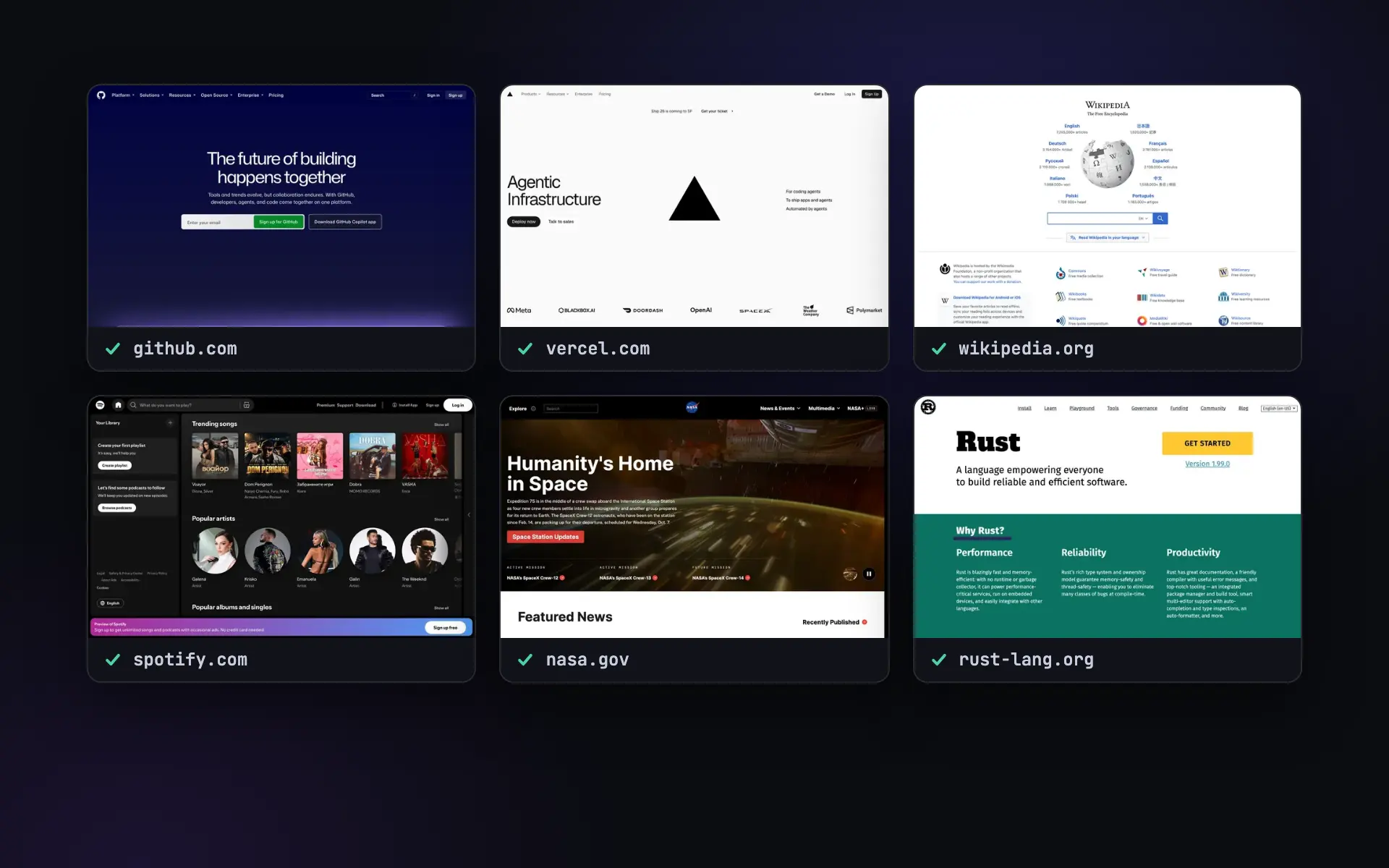 screenshot.completed
Finished batches into storage
Copy every capture of a 50-URL batch to your own bucket as soon as it is done.
Batch screenshots -
 change.detected
Competitor price alerts
Get a message in Slack the day a competitor's pricing page changes.
Read the guide
Screenshots as an API call
Send a GET request, get a PNG back. Ads and cookie banners blocked by default.
200 free renders a month. Paid plans start at $9.
Questions
Which events can a webhook receive?
screenshot.completed when a batch finishes, capture.completed after every scheduled capture, change.detected when a scheduled capture differs from the last one by more than your threshold, and quota.warning and quota.exceeded at 80% and 100% of your monthly renders. Each webhook subscribes to the events you choose.
How do I verify a delivery?
Every request carries an X-SnapRender-Signature header: sha256= followed by the HMAC-SHA256 of the raw request body, keyed with your webhook secret (the whsec_ value returned when you registered it). Compute the same value and compare. The event name is in X-SnapRender-Event.
What happens if my server is down?
Answer with a 2xx status within 10 seconds. If a delivery fails, SnapRender retries after 1 minute, 5 minutes, 15 minutes and 1 hour: five attempts in all. If every attempt fails, that event is dropped and the webhook stays on. Only when nothing has reached your endpoint for 72 hours is the webhook paused; a successful test call (POST /v1/webhooks/{id}/test) turns it back on.
How many webhooks can I register?
Up to 5 per account, each with its own URL, secret and list of events. For example, one for your backend and one for a Slack bridge.
Can I test my endpoint before going live?
Yes. POST /v1/webhooks/{id}/test sends a signed test event to your URL and tells you which status code your server answered.
Do I need a webhook to hear about page changes?
No. Scheduled captures can email you when a page changes, with a link to the before and after, side by side. Webhooks are for when your own code should react.