Free · No signup · No API key
Free screenshot tools,
real production API.
Capture websites, check social previews, convert pages to PDF, and convert HTML to PNG images. Every tool runs the exact same API that serves thousands of requests per day.
-
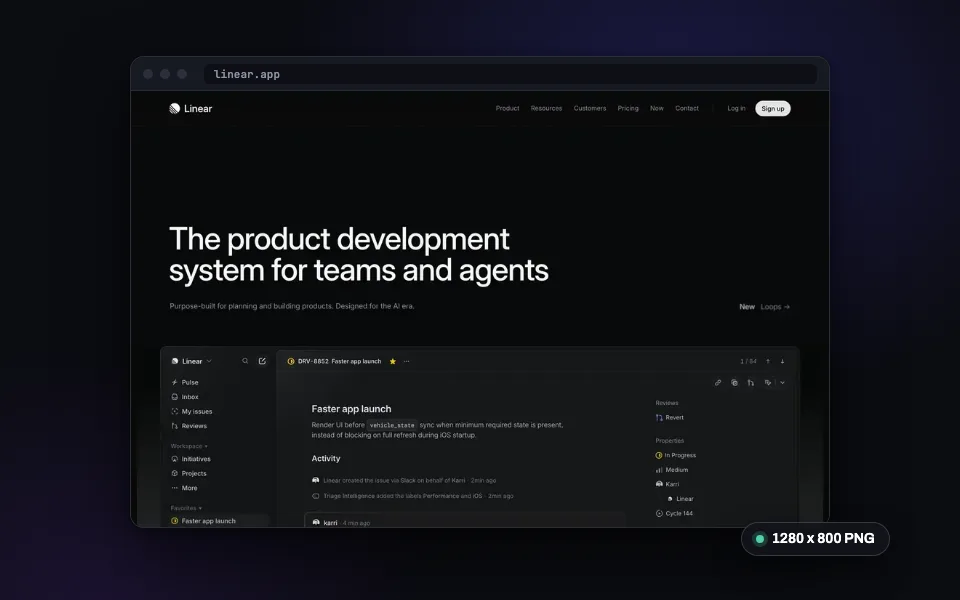
Website Screenshot
Capture any URL as PNG, JPEG, WebP, or PDF. No signup required.
Try it now -
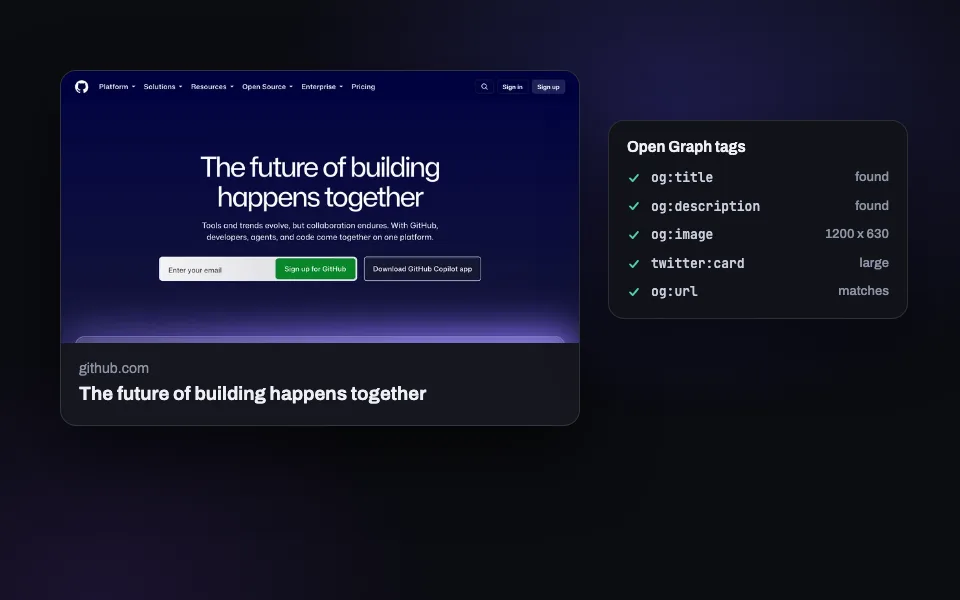
OG Image Checker
Preview how your link looks on X, Facebook, LinkedIn, and Slack. Validate Open Graph tags.
Try it now -
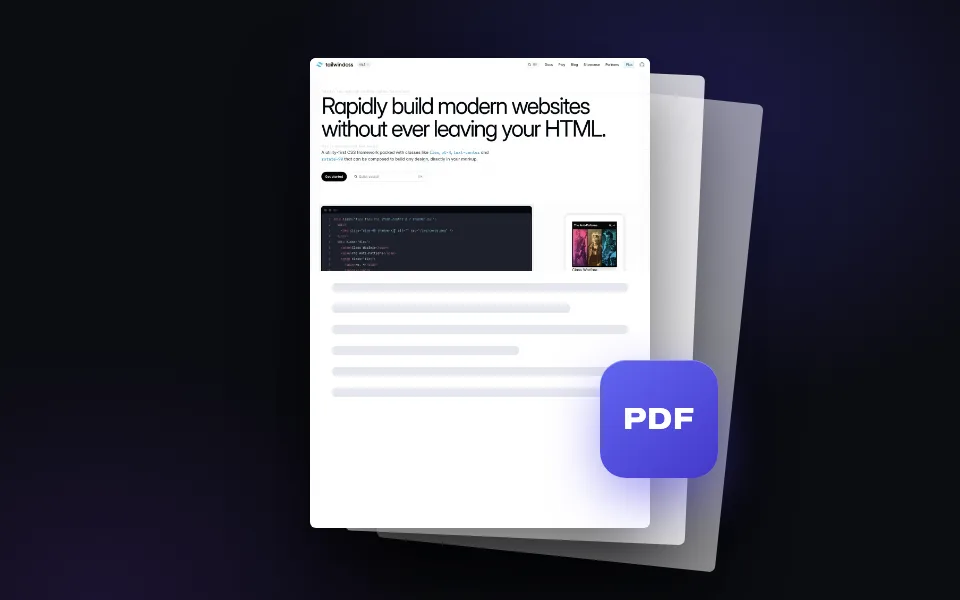
Webpage to PDF
Convert any web page into a downloadable PDF document. Full page, one click.
Try it now -
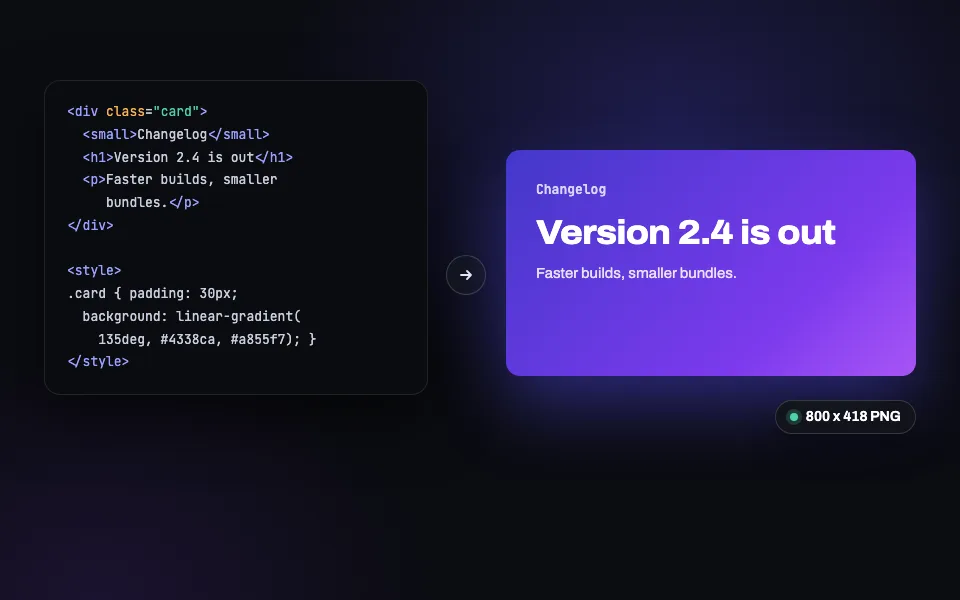
HTML to PNG
Paste HTML and CSS, get a pixel-perfect PNG back (JPEG and WebP too). Built for social cards.
Try it now -
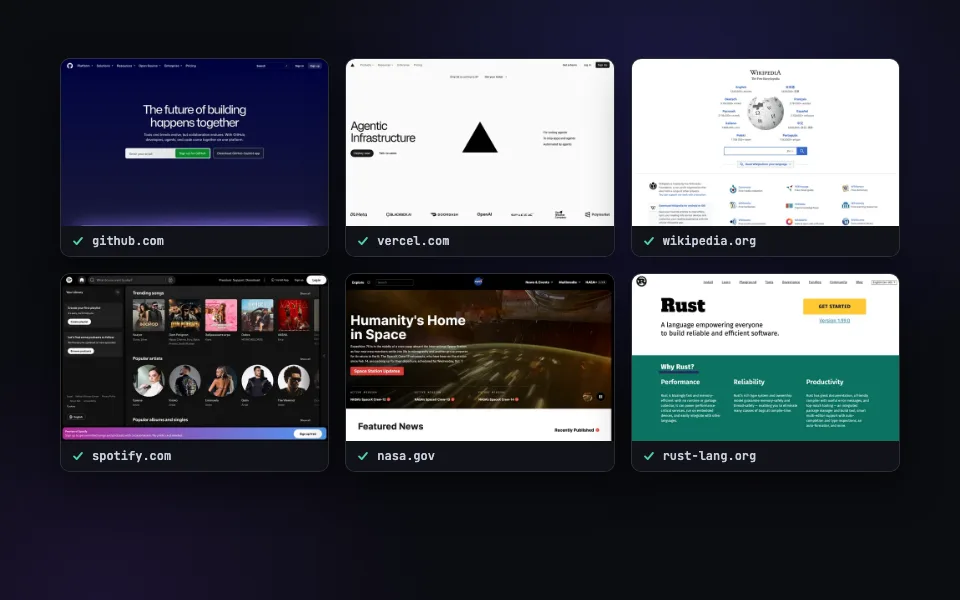
Bulk Screenshots
Paste a list of URLs and capture them all at once. Ten a day free here, 50 per call with the batch API.
Try it now
The production API, with a form on top.
Most free screenshot tools are throwaway widgets. These are the SnapRender API with a form on top: the same Chromium pool, the same ad blocking and cookie banner removal, the same caching layer. Use them for quick one-off captures, OG tag checks before you ship, or PDF copies of pages you want to keep. When a one-off becomes a workflow, the code snippet under each result is your integration, already configured with the options you picked.
Real Chromium rendering
Every render runs in a real headless browser. Web fonts, JavaScript frameworks, lazy-loaded images: it all works.
The production API, not a demo
These tools call the same endpoint paying customers use. What you see here is exactly what your code gets.
Copy the code, keep the result
Each tool shows the equivalent cURL, Node.js, and Python call. Your settings become working code, live as you change them.
Frequently asked questions
Are these tools really free?
Yes. Each visitor gets 10 free renders per day across the tools, no signup and no credit card. A free account raises that to 200 API requests per month.
Do I need an account or API key?
No. All five tools work without any signup. An API key is only needed when you want to automate captures from your own code.
Is the quality the same as the paid API?
Identical. The tools call the same rendering engine and the same endpoint. The only differences are the daily limit and that API users get extra parameters like custom cache control.
What happens when I need more than 10 renders per day?
Create a free account for 200 screenshots per month through the API, with every feature included. Paid plans start at $9/month for 2,000 captures.
Need more than 10 a day? Get 200 free a month.
The free plan includes 200 screenshots per month through the API. Every feature included, no credit card.